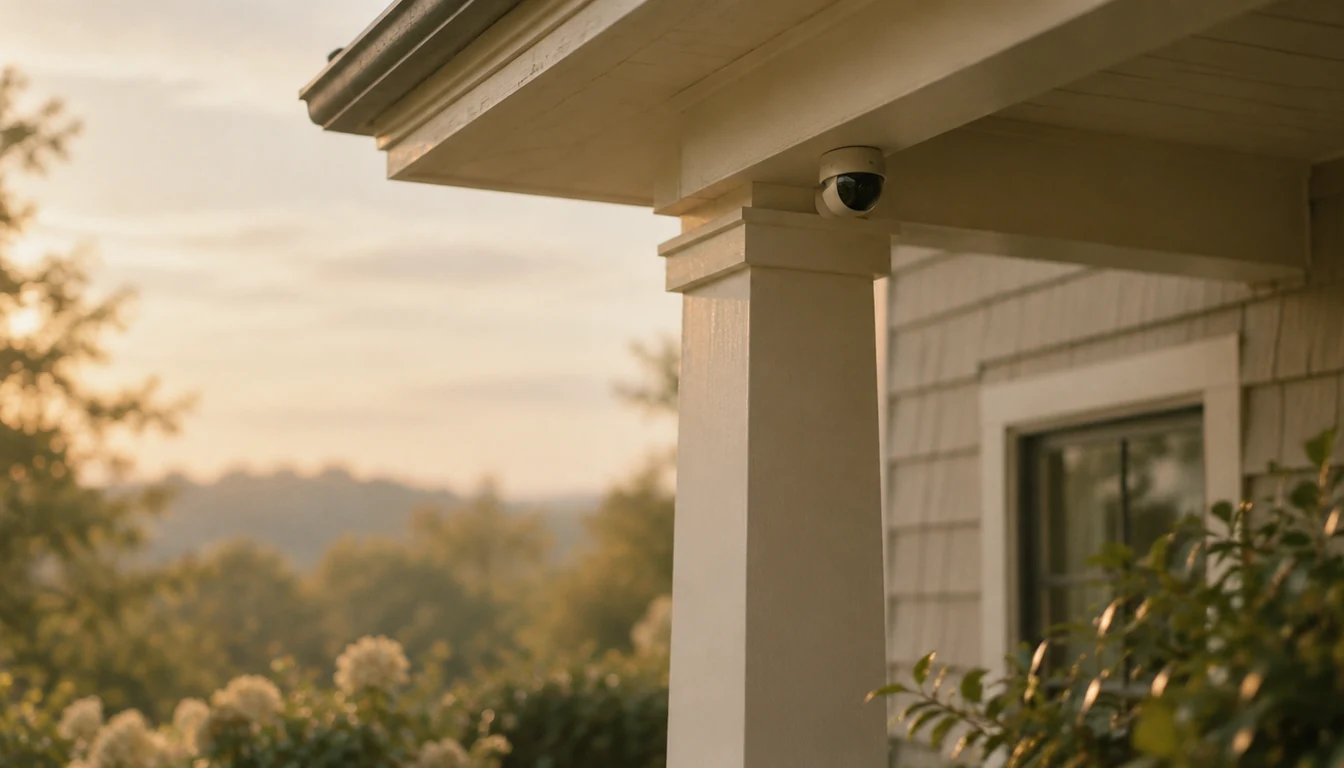
A camera is the one device in the house whose whole purpose is to look at your family. That makes it worth more care than a thermostat, and it’s usually given less.
This is a walk, not a lecture. Take twenty minutes, go room to room, and answer four questions at each camera.
“Keep thy heart with all diligence; for out of it are the issues of life.”
— Proverbs 4:23 (KJV)
Question one: what does it actually see?
Open the live view and look at the frame, not the room. People place a camera for one purpose and forget that it keeps its view when the purpose changes. A camera bought to watch a front step can also watch a neighbor’s window. A baby monitor left up after the child outgrew the cot is now a camera in a bedroom.
Two placements are worth reconsidering every time: bedrooms and bathrooms. If a camera has to be in a bedroom, know it’s there, and know who can open it.
Question two: is it still using the password it came with?
Some cameras ship with a default password, and the defaults are widely known — admin, or a row of zeroes. The FTC’s guidance is direct about it: don’t use the camera’s default username and password, and don’t reuse a password from another account.
If the camera has a cloud account, turn on two-factor authentication. That’s the code from an app or an email on top of the password, and for a camera it’s worth the extra few seconds.
Question three: who else can reach it?
Three things to check, in the app and on the router.
- Shared access. Most camera apps list the people who can view the feed. Read that list. A contractor, a former housemate or a relative who helped set it up may still be on it.
- Remote access. If you never watch the feed from outside the house, turn remote viewing off.
- UPnP and port forwarding. The NCSC recommends turning these off on the router so a camera can’t quietly open a door to the outside.
While you’re in the app, check that the login page or web view uses an address beginning with https, and turn on encryption and the camera’s own firewall if it offers them.
Question four: does it update itself?
Switch on automatic updates if the option exists. A camera that stopped getting updates two years ago is a camera with known problems and no one fixing them, and replacing it is the honest answer.
Where the cameras should live
On the guest network, with the rest of the appliances. A camera is exactly the kind of device that shouldn’t be able to see the family laptop. What’s actually on your home network covers how to split them.
A word on the harder question
Cameras inside a home raise something the settings don’t touch. A house where the children know they are recorded in the kitchen is a different house from one where they aren’t, and that difference deserves a conversation rather than a default.
Our own view is narrow and practical: tell the people who live in the house where the cameras are. A camera nobody knows about protects property at the cost of something else. If you’re working out the household rules more broadly, The Household Covenant is where we’ve written ours down.